Waveshift

Where to start
-
Get started
Bootstrap a new deployment from scratch — AWS account prep, the
wsctldeploy TUI, and first-user setup. -
Console tour
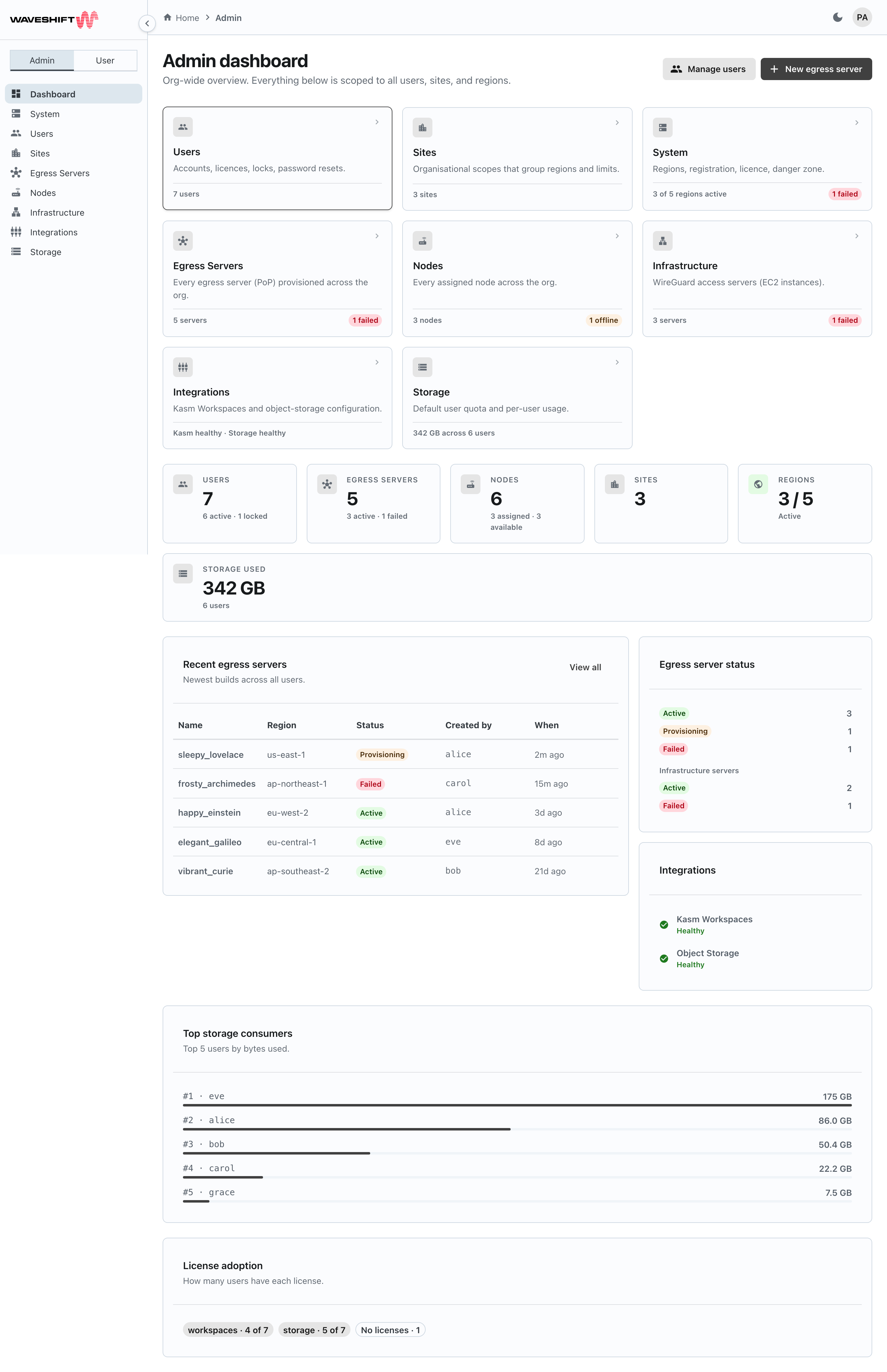
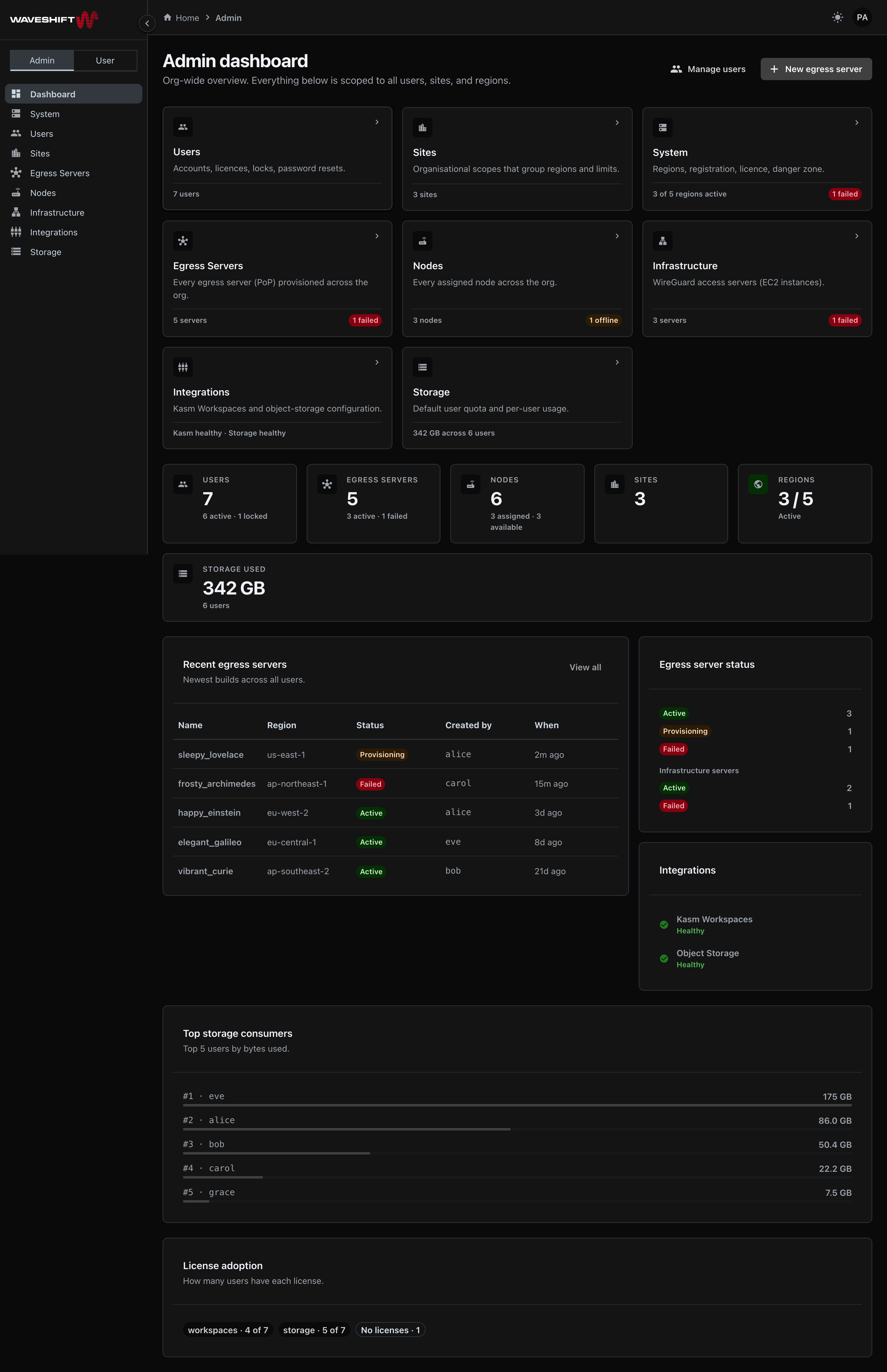
Every page in the Web Console: dashboard, egress servers, nodes, files, workspaces, and the six admin sections.
-
CLI
wsctl— the TUI for installing, configuring, and operating Waveshift. Run it with no arguments to launch. -
Reference
Defaults, glossary, FAQ, and a list of common issues with the first-thing-to-check for each.
What Waveshift gives you
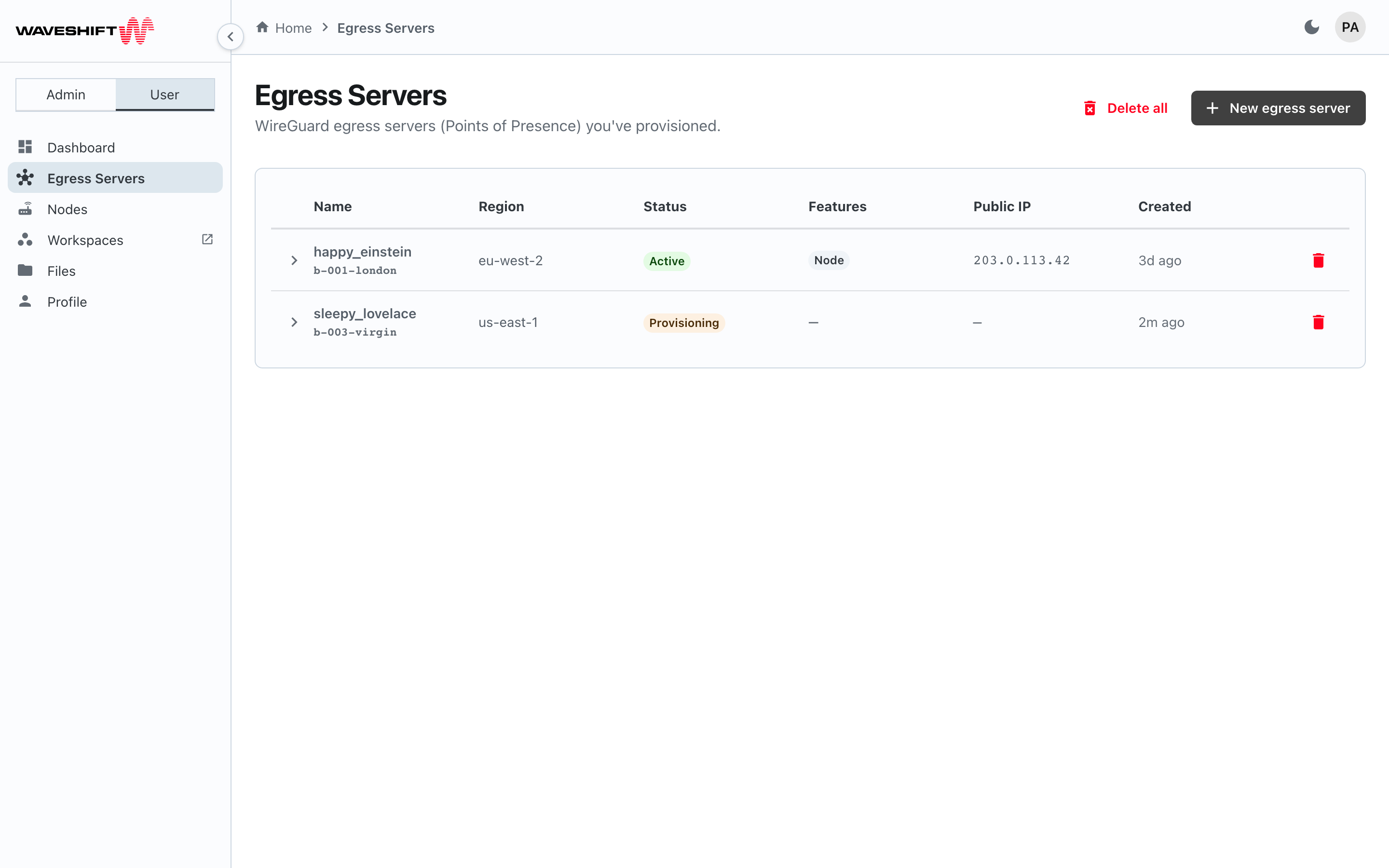
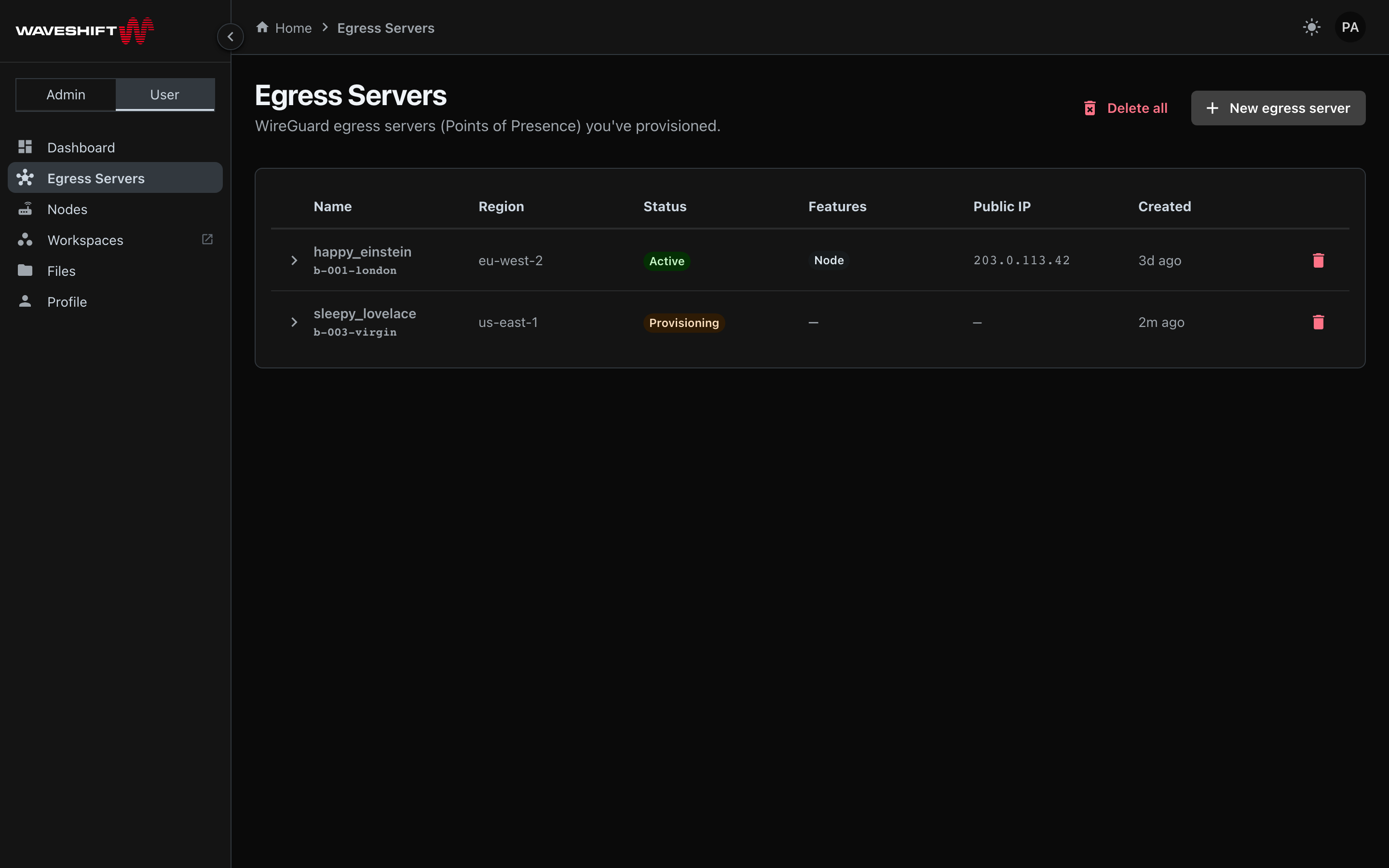
WireGuard egress in any AWS region. Provision an Egress Server from the Console — pick a region, pick the number of WireGuard clients, and the orchestrator runs the EC2 + IAM + WireGuard config end-to-end. Bring in a Cloudflare WARP final hop with one toggle if you want an extra anonymisation layer.
Hardware nodes for whole-network coverage. Plug a GL.iNet Slate AX node into the Hub, give it to a user, and every device that joins its Wi-Fi tunnels through the chosen Egress Server with no per-device configuration. The killswitch on the Node guarantees no leaks if the tunnel drops.
Kasm Workspaces for disposable browser sessions. Containerised browser / desktop sessions launched from the Console, egressing through any Egress Server you've provisioned. Persistent profiles opt-in.
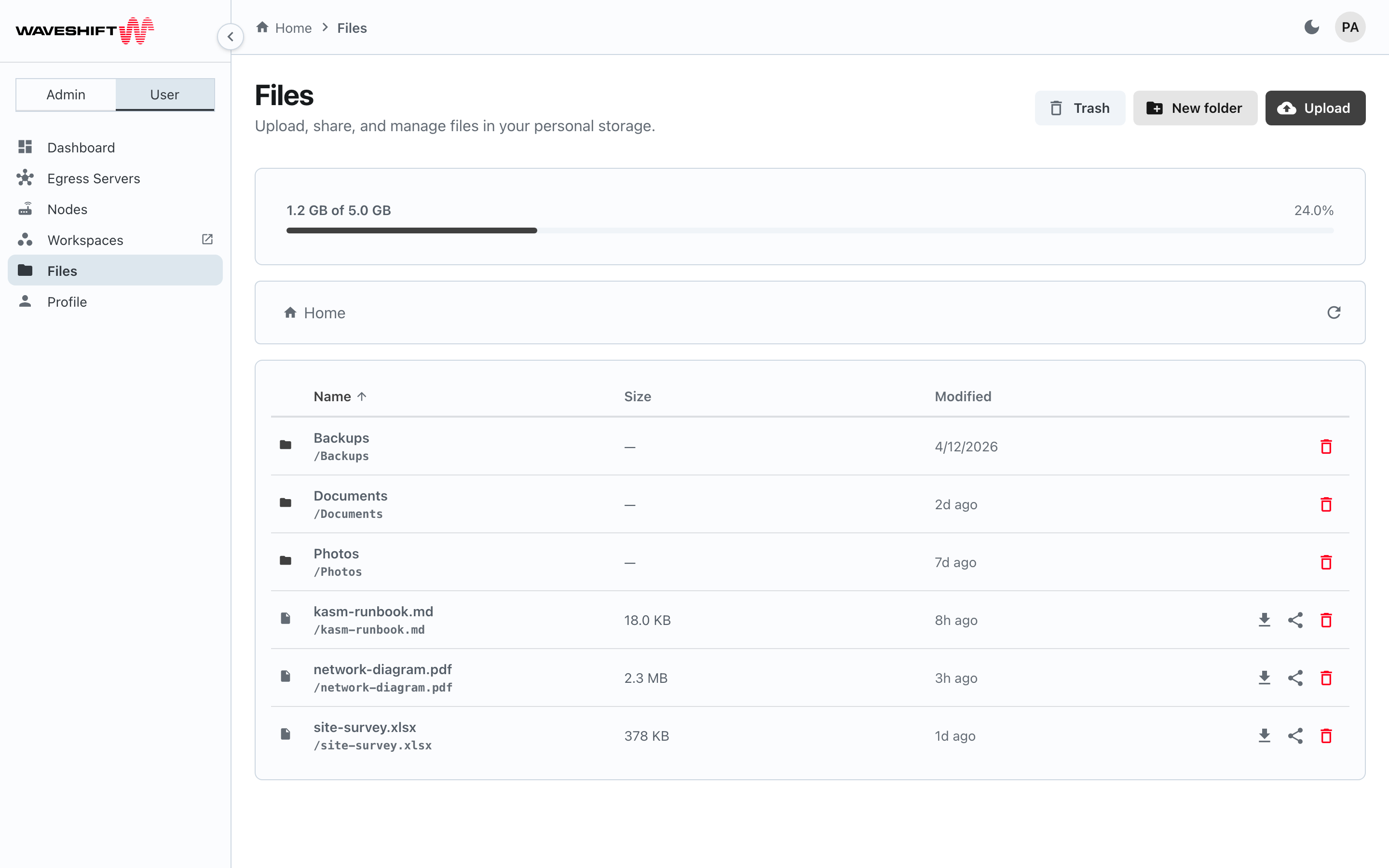
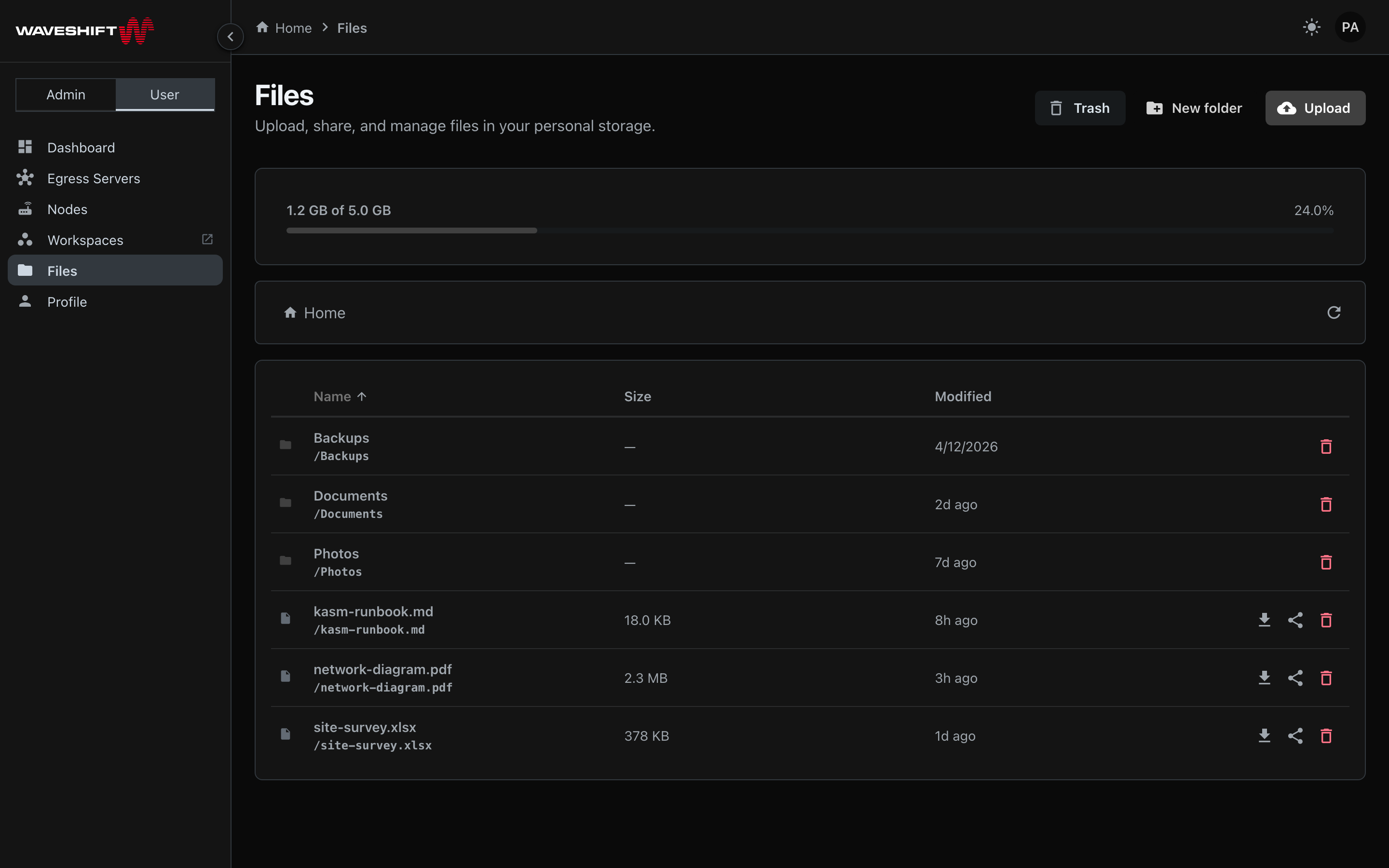
Per-user object storage. S3-backed file storage exposed as a Files page in the Console, with per-user quotas and an admin default-quota control.
One orchestrator runs the lot. Single AWS deployment, single
Web Console for day-to-day admin and user actions, single
wsctl TUI for setup and ops. No third-party SaaS in the request
path.
Quick deploy
A fresh AWS account goes to a working Waveshift deployment in
about 15 minutes via the wsctl TUI:
wsctl with no arguments launches the bubbletea TUI, which walks
you through AWS profile selection, region, a private domain name
for the Console (default waveshift.internal), and runs the
deploy.
The full walkthrough (with screenshots) is in Deploy walkthrough.
Common use cases
Privacy-focused browsing
Hide your real IP and ISP-visible traffic. Egress Servers in your AWS regions of choice, optionally chained through Cloudflare WARP for a shared-IP hop on the public side.
Distributed teams
Issue Nodes per office or per user; everyone's traffic exits from a Site you control. Per-user storage and Kasm Workspaces for ephemeral working sessions.
Geo-specific testing
Spin up an Egress Server in any AWS region for a few hours, test from there, tear it down. Per-hour billing means the cost is bounded.
Private peer-to-peer between your devices
Devices on the same Egress Server share a WireGuard subnet and can reach each other directly without their traffic leaving the VPN. Useful for private file shares, remote desktop, and any tooling that wants a flat, encrypted network between trusted devices.