Administration
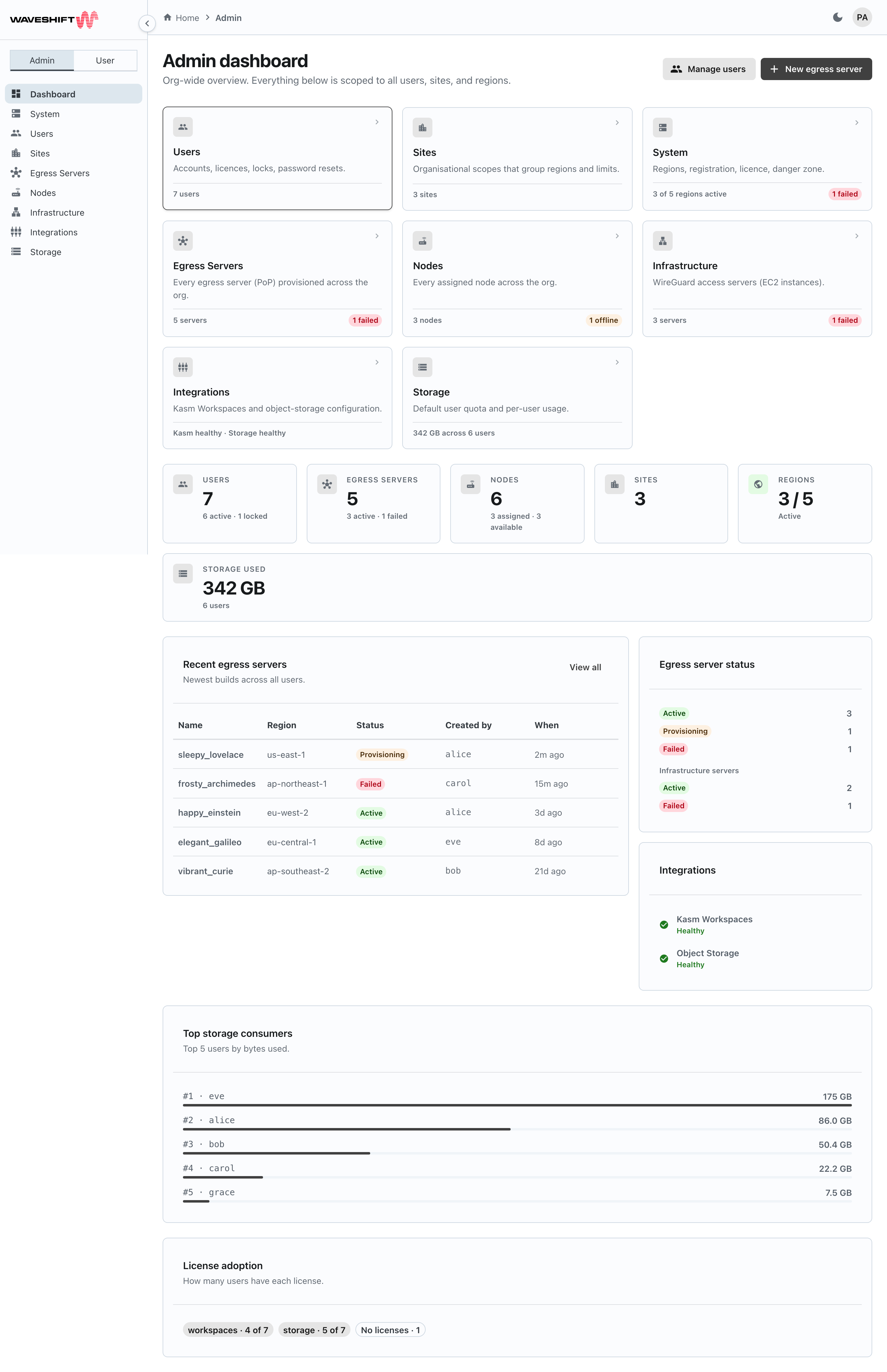
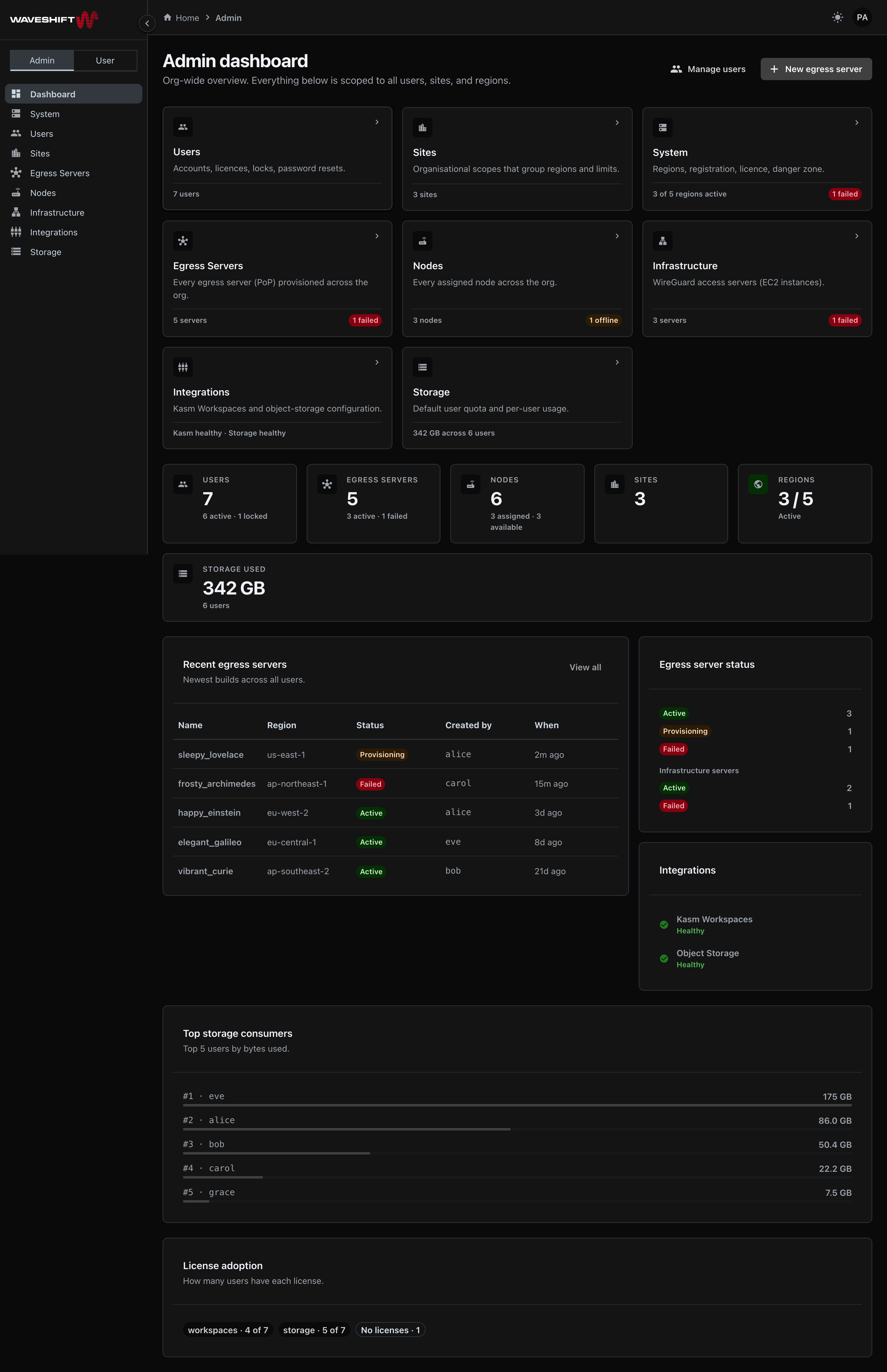
The Administration section of the Web UI is reachable only when you're signed in as an administrator and have the Admin mode selected in the sidebar toggle.
Eight sections
The admin landing page (/admin) is the same as the
Admin dashboard — a quick-navigation tile grid
with live snapshots, plus the org-wide metrics. The administration
areas are:
- Users — accounts, licences, locks, password resets
- Sites — organisational scopes that group regions and limits
- System — platform licence and bulk-destructive operations
- Egress Servers — every WireGuard egress server in the org
- Nodes — every assigned router across the org
- Infrastructure — WireGuard access servers and the AWS regions Waveshift deploys into
- Integrations — Kasm Workspaces and object-storage configuration
- Storage — default user quotas and per-user usage
Every section follows the same UI conventions as the rest of the app: sortable, paginated tables on the longer lists (Users, Sites, Storage), modal dialogs for create/edit, a type-to-confirm prompt for destructive bulk operations, and Joy-themed status chips for at-a-glance state.
Switching between Admin and User mode
The sidebar toggle at the top — visible only to admins — switches
between user-facing pages and admin-facing pages. Clicking User
takes you to / (which opens the Egress Servers page), clicking
Admin to /admin.
Direct navigation also works: pasting any /admin/* URL into the
address bar puts the sidebar in admin mode automatically. Pasting any
non-/admin URL puts it back in user mode.