Storage administration
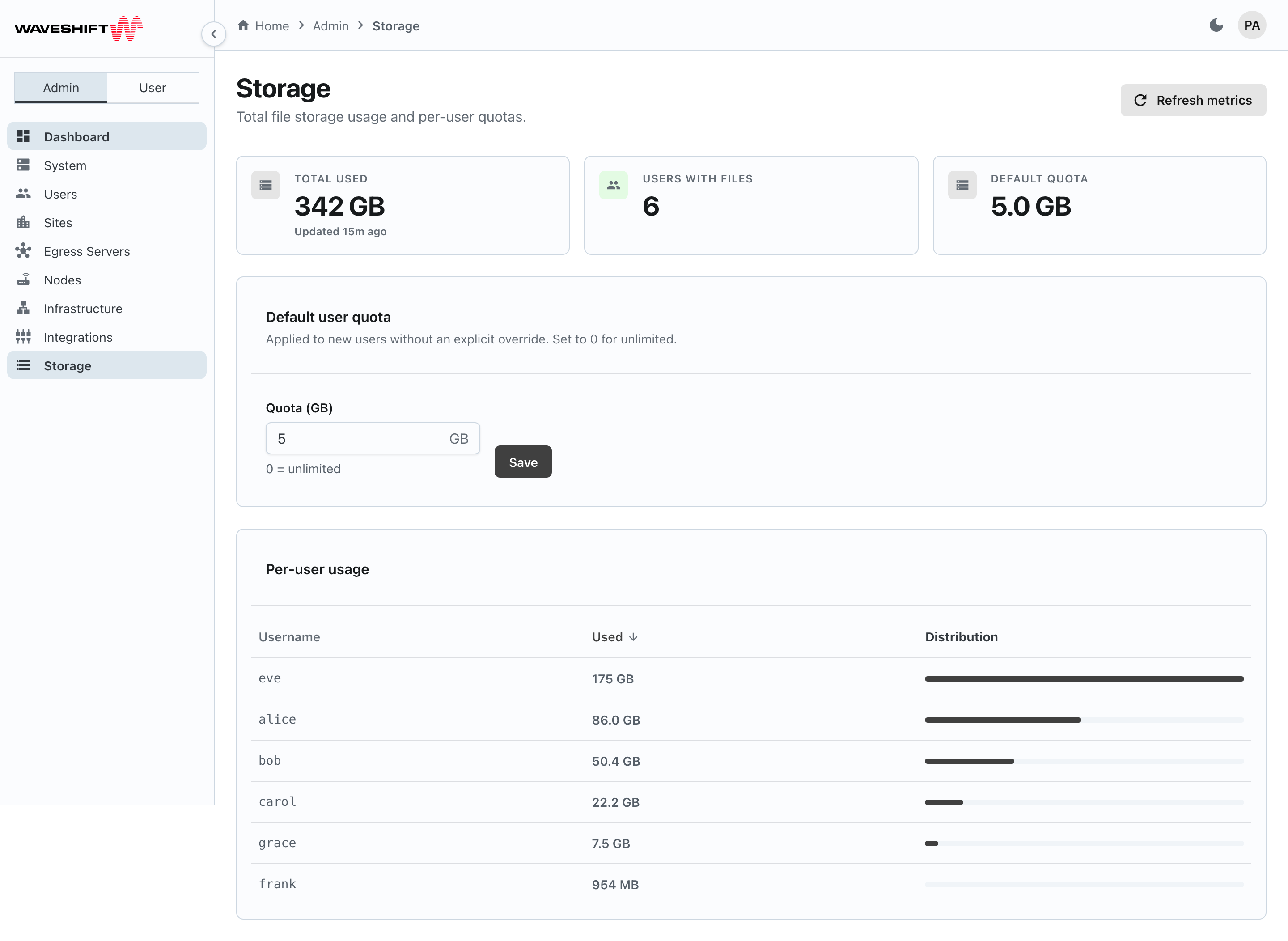
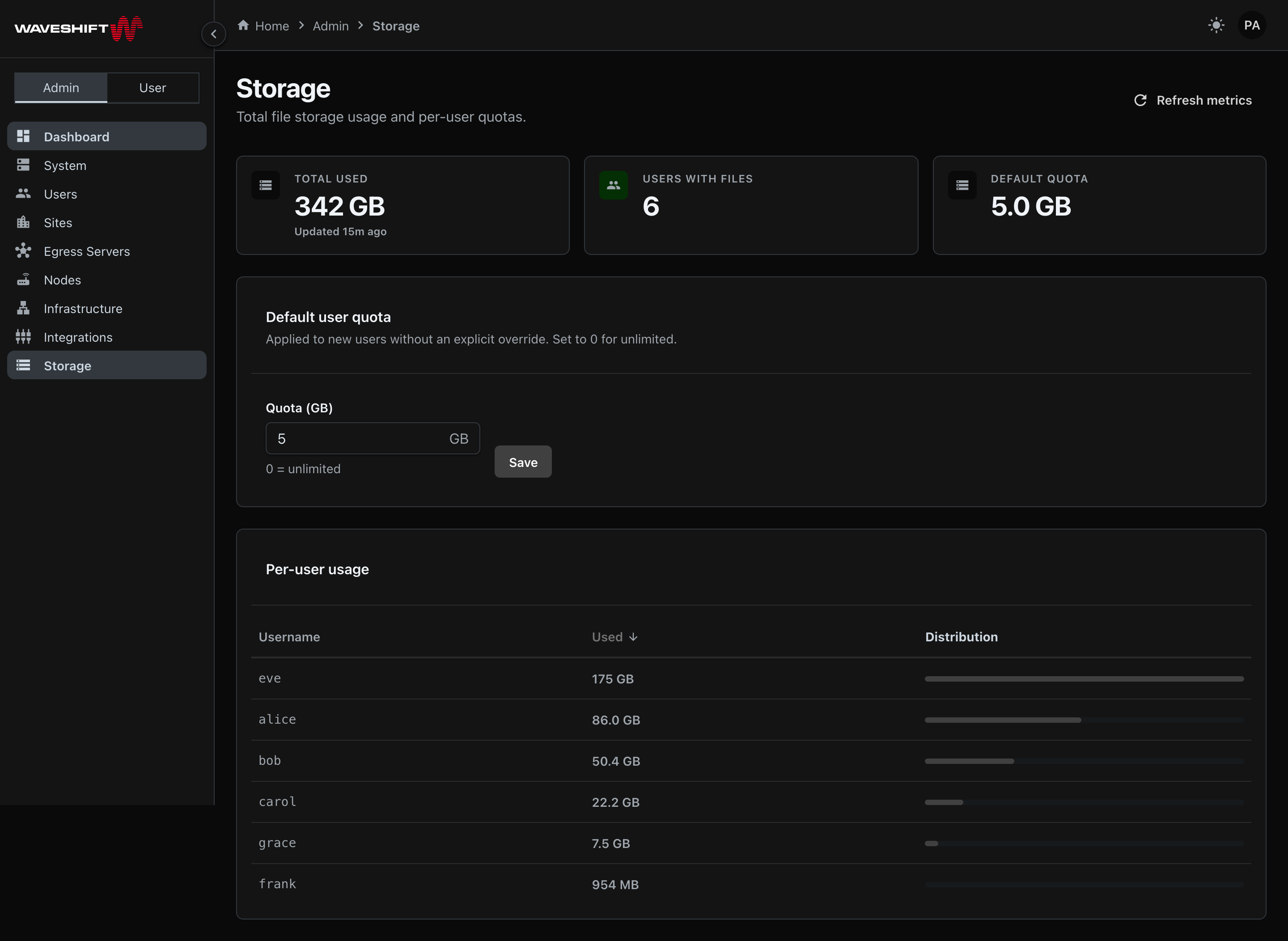
The Storage page (/admin/storage) shows org-wide file storage
usage and lets you set the default per-user quota. This page is
the org-level view; the console has no per-user quota override
(the users API has a storage_quota_bytes field, but no page
exposes it).
Stat cards
Three cards along the top:
- Total used — total bytes consumed across every user. A small "Updated X ago" label sits below the number; click Refresh metrics in the page header to force a recalculation.
- Users with files — how many users currently have at least one file uploaded.
- Default quota — the current default per-user quota (e.g.
10 GB), orUnlimitedif it's0.
Default user quota
A single-field form:
- Quota (GB) — number input, minimum
0, withGBshown as a suffix and the helper text 0 = unlimited. - Save — applies the change. The card describes the default as applying to new users without an explicit override.
Internally the value is stored as bytes (BigInt) — the form handles the conversion so admins always think in GB.
Per-user usage
A table sortable by username (alphabetical) and used bytes (default sort: largest first), paginated at 50 rows per page:
- Username — monospaced.
- Used — formatted bytes (e.g.
1.2 GB). - Distribution — a relative bar showing each user's share of the largest consumer. Useful for spotting an outlier without reading the numbers.
The table is read-only: there are no per-row actions, and there's no per-user quota control elsewhere in the console either.
Refresh metrics
The Refresh metrics button in the page header recomputes the total-used stat against object storage on demand, which is useful just after a large upload or deletion. The page doesn't poll — metrics are loaded once on mount and only refresh when you ask.
Empty state
A fresh deployment with no uploads yet shows a No usage yet
empty card in place of the per-user table, explaining that
consumption appears once users start uploading from the
Files page.