Signing in
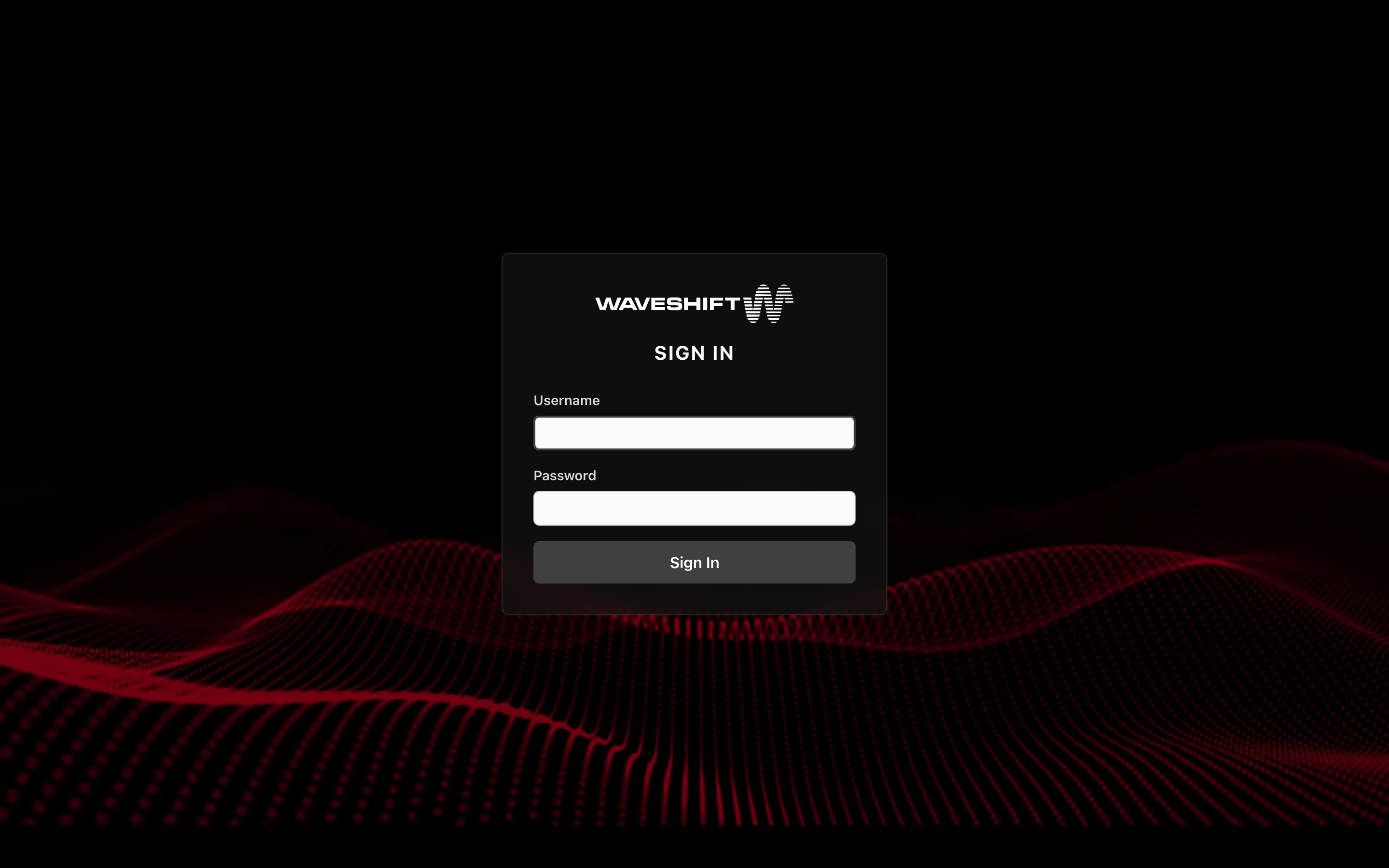
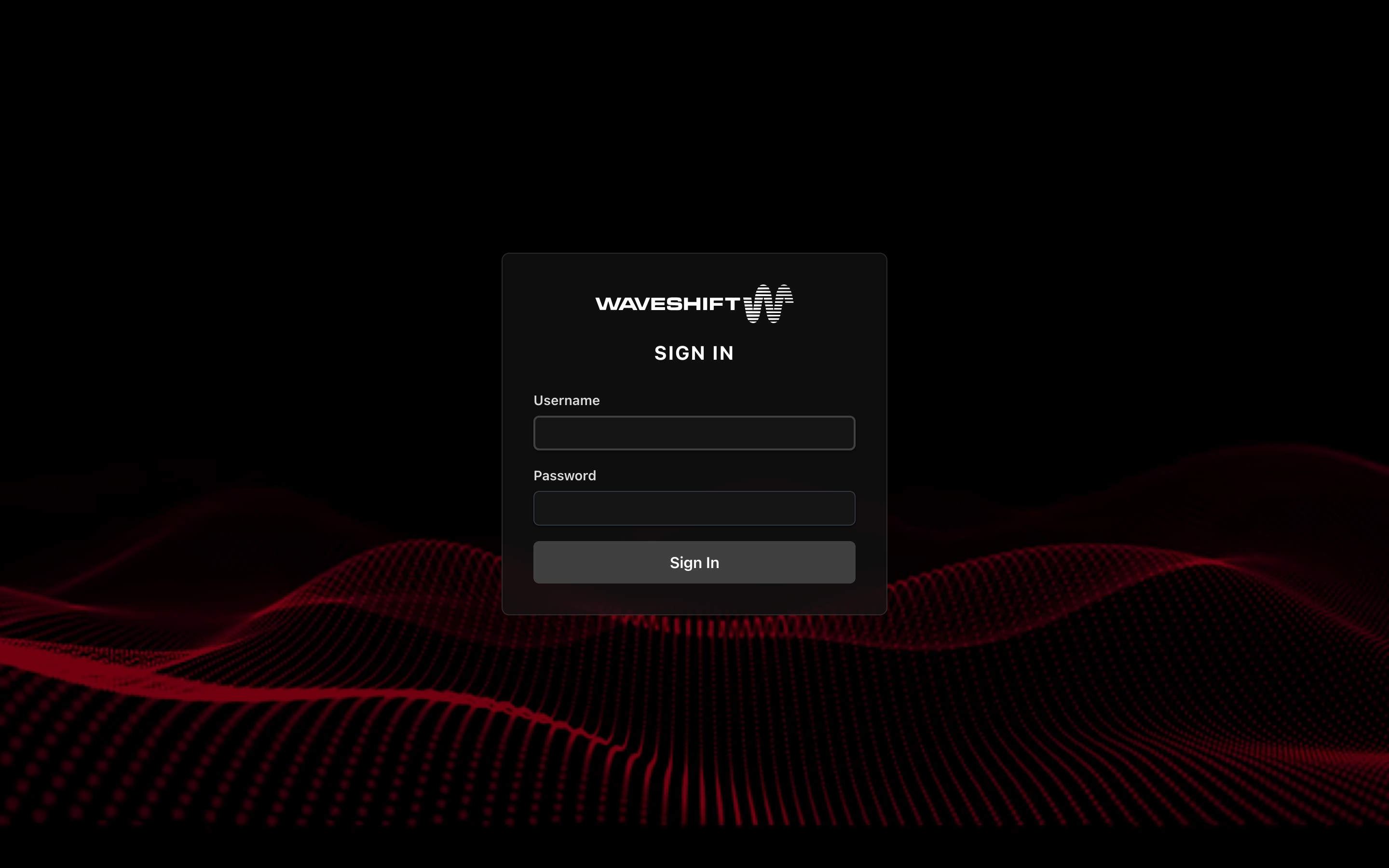
Open your Waveshift orchestrator URL in a browser
(https://console.waveshift.<your-domain>). The login page loads
behind a video background showing the Waveshift brand mark.
What you do
- Type your username (not email — usernames are short and case-sensitive).
- Type your password.
- Click Sign In.
If the credentials are correct, the orchestrator sets HTTP-only session cookies and the console takes you to the landing page for your role (or back to the page you were trying to open, if you were sent to sign-in from a deep link).
What you don't see
- Sign-up link. Self-service registration is not currently enabled. New accounts are created by an administrator from the Users administration page.
- Two-factor prompt. 2FA is not currently supported.
- OAuth / SSO buttons. Username + password is the only supported sign-in method in v0.5.
If sign-in fails
- "invalid credentials" — check the username (it's case-sensitive) and password. Passwords can be reset by an administrator from Users administration.
- Locked account — a locked account gets the same "invalid credentials" message; the console doesn't tell you the account is locked. If your credentials are definitely right, ask an administrator to check — they can unlock you from the same page.
- The page won't load at all — confirm the orchestrator host is reachable (it's behind whatever ingress your deployment uses) and that your TLS certificate is trusted.
After signing in
Where you land depends on your role:
- Regular users land on the Egress Servers page.
- Administrators land on the admin dashboard.
Admins can move between the two via the User / Admin toggle at the top of the sidebar.
Signing out
The user menu (avatar, top-right of the header) has a Sign out option that invalidates your session immediately and returns you to the login page.