Nodes administration
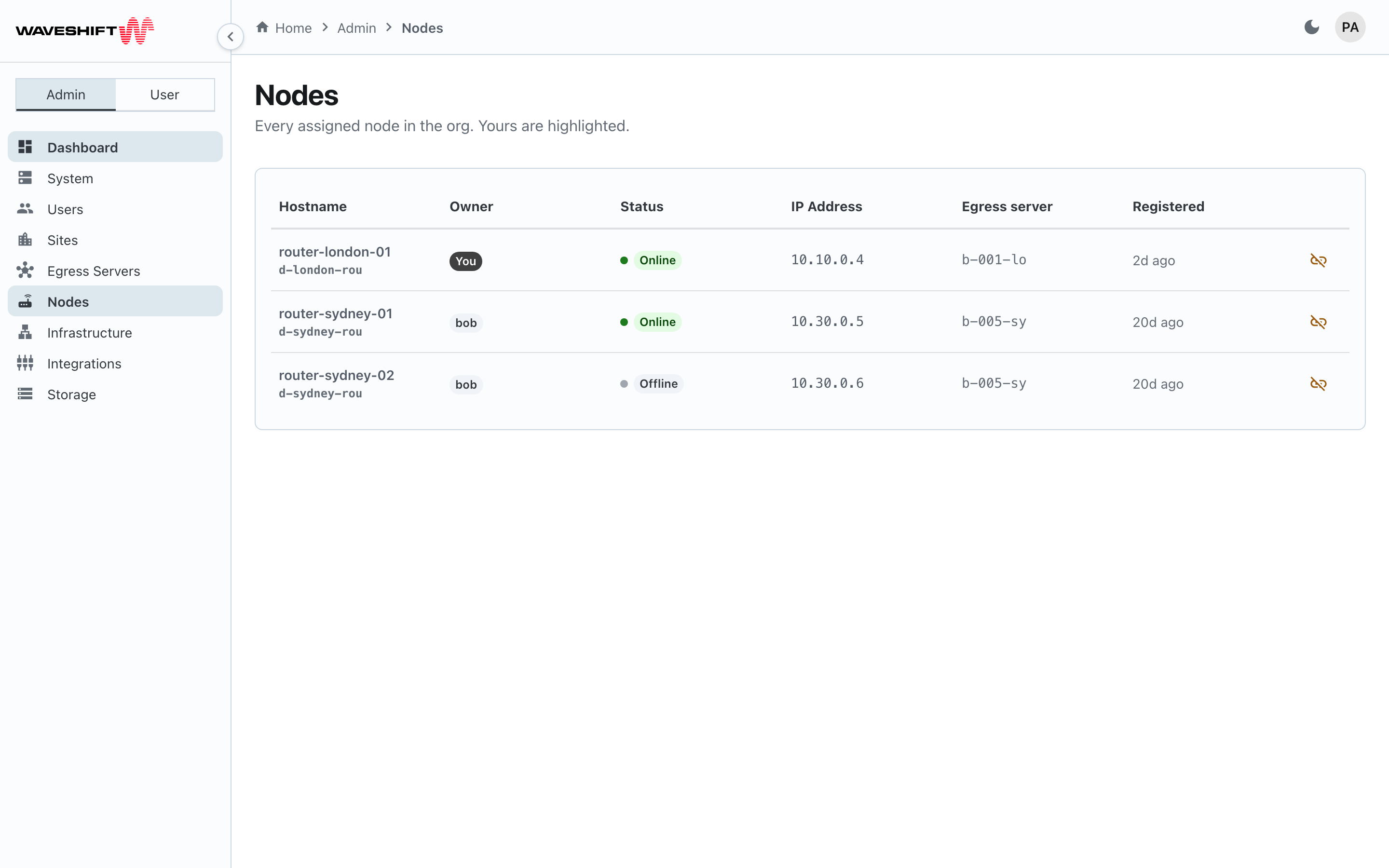
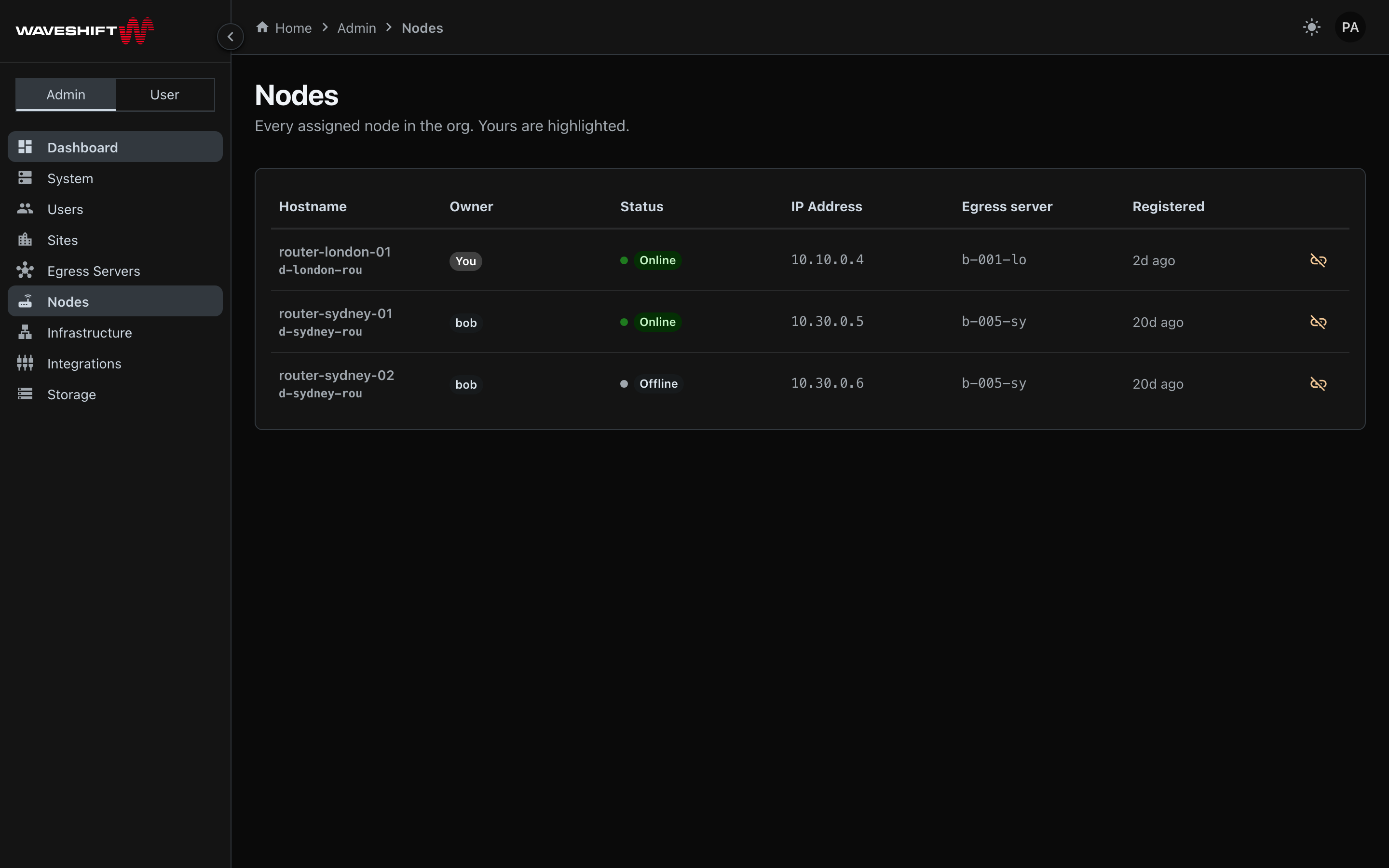
The Nodes admin page (/admin/nodes) is the org-wide view of
every assigned node — physical OpenWRT routers currently bound
to someone's egress server. The user-facing
Nodes page only shows the nodes attached to your
egress servers; this page is where you see the rest of the org's
nodes and release any of them.
The table
A single table listing every assigned node in the org:
- Hostname — the device's reported hostname plus a short ID.
- Owner — the username of the user who owns the parent
egress server. (Nodes don't carry an owner directly; the
attribution comes from the parent build's
created_byfield.) Your own nodes show a solid-coloured You chip; everyone else's show a soft chip with their username. - Status — an online indicator dot plus the status chip.
- IP Address — the node's reported IP within the WireGuard network, monospaced.
- Egress server — the parent build ID, truncated to eight characters.
- Registered — relative time since the node first checked in.
- Release node (warning-coloured unlink icon) — same affordance as the user-side page, but available for any node in the org.
Releasing another user's node
The confirmation copy is the same as the user-side flow — the node "will be returned to the available pool. Any egress servers bound to it will be unlinked."
Releasing is not the same as deleting. The node stays registered with the system and reappears in the Available tab of the user-side Nodes page. It can then be picked up by another egress-server create flow.
What this page can't do
- Configuration overrides (WiFi SSID/password, DNS, NTP) and the WiFi access-point toggle are not available from the admin Nodes view. Both are scoped to the node's owner on the user-side Nodes page so the device's actual operator stays in control of its day-to-day settings.
- Bulk release isn't surfaced here. To clear out an entire region's nodes use the per-row release in sequence, or destroy the parent egress servers from the Egress Servers admin page.
See also
- Nodes (user view) — your own nodes plus configuration / WiFi controls.
- Egress Servers administration — the parent builds these nodes attach to.