Nodes
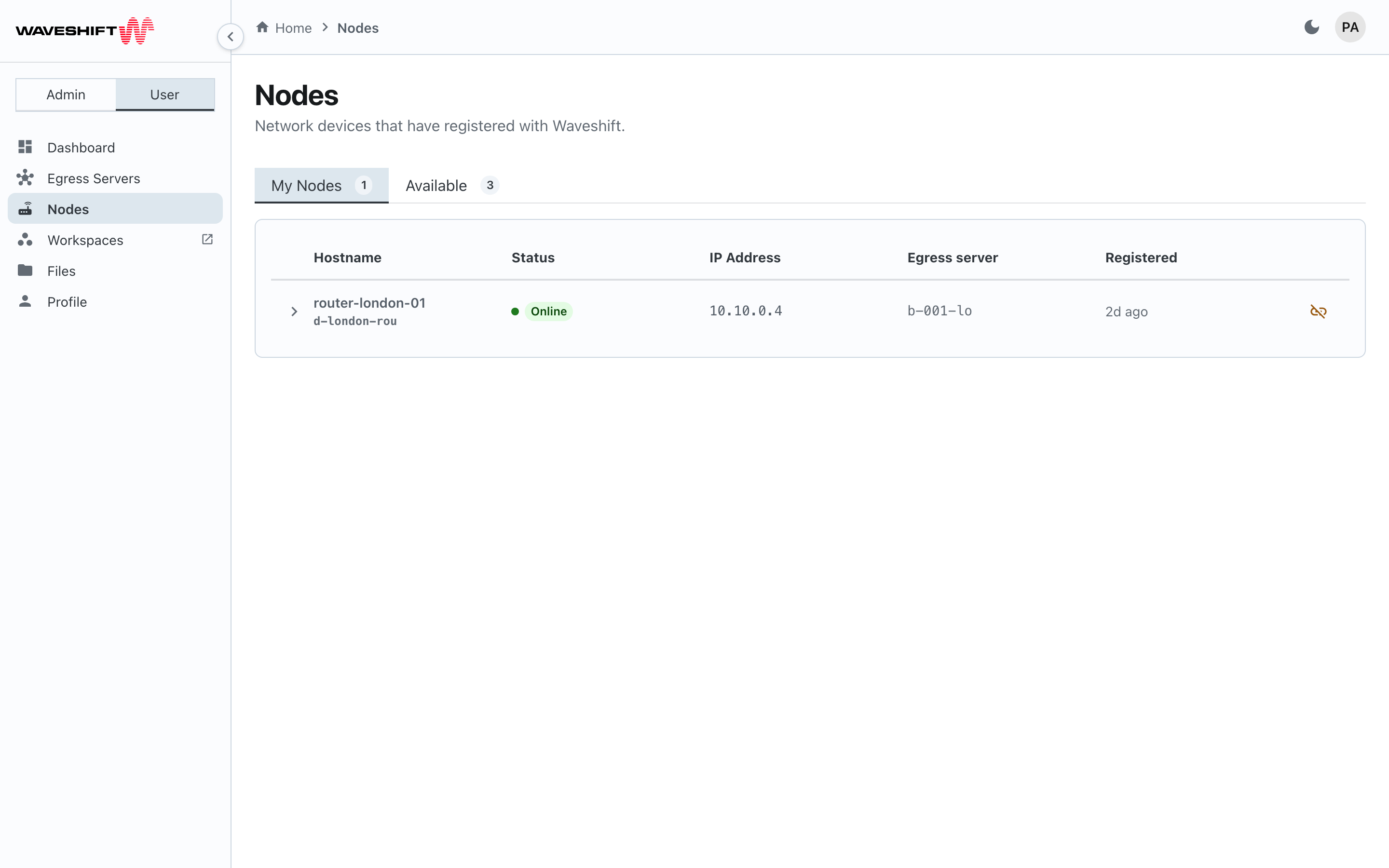
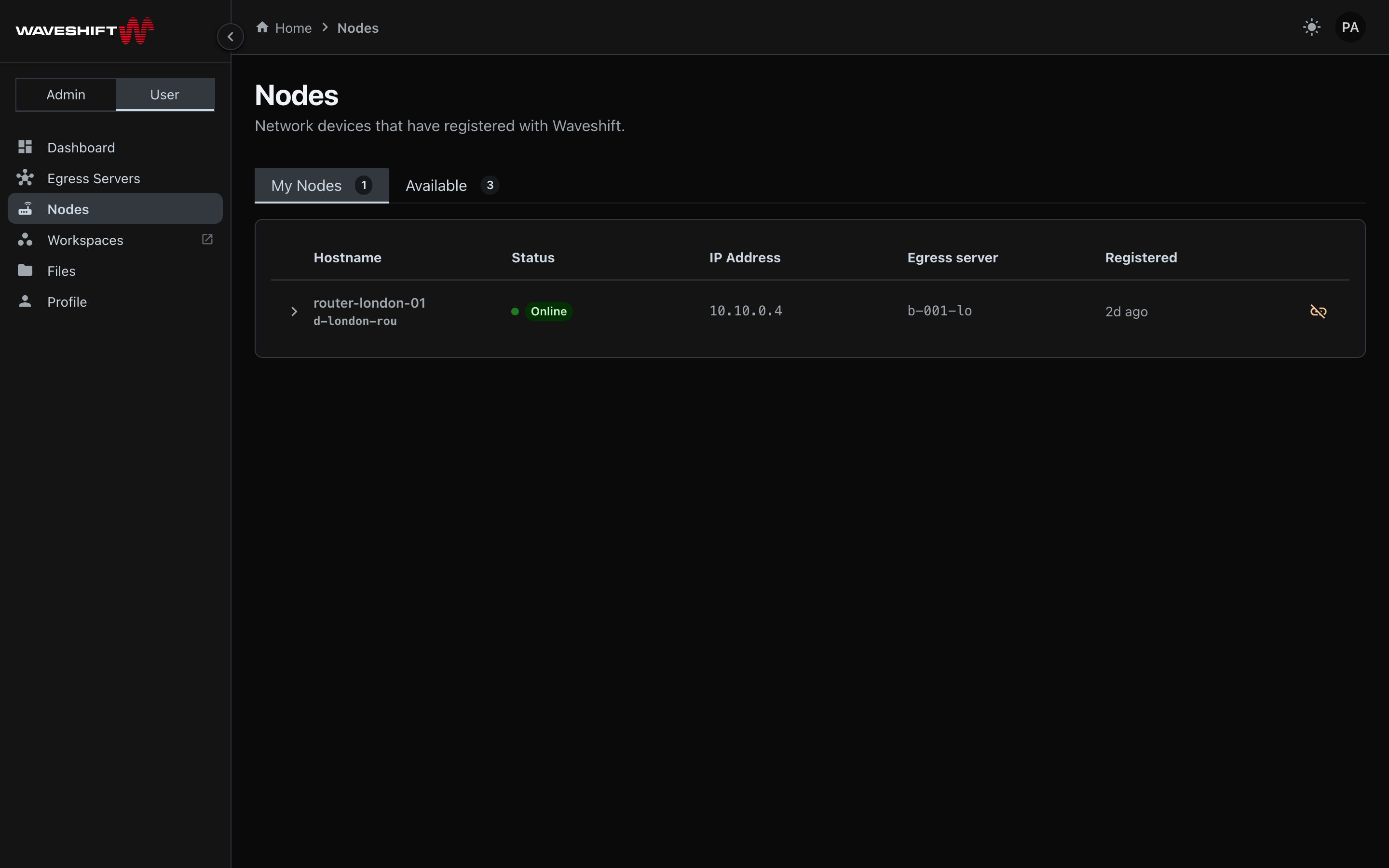
The Nodes page (/nodes) lists physical OpenWRT routers that have
registered with Waveshift. Routers are categorised by their
relationship to you and your egress servers.
Two tabs
- My Nodes — routers attached to one of your egress servers
(their
parent_build_idmatches a build you created). - Available — routers that have registered with the system but aren't yet bound to an egress server. These are the ones you can pair with a new build.
Each tab shows a count chip and a table with hostname, status (online indicator + status chip), IP address, the bound egress server (if any), and the registration time.
A note on visibility
This page only ever shows the nodes attached to your own egress servers. Administrators see their own here too — the org-wide view lives on the admin Nodes page.
Inspecting a node
Click any row in My Nodes to expand it. The detail panel shows two cards side by side:
Configuration overrides
Editable fields that override the node's default network configuration:
- WiFi SSID — the access-point SSID broadcast by the node
- WiFi password — write-only field; leaving it blank keeps the existing password
- DNS servers — comma-separated, e.g.
1.1.1.1, 8.8.8.8 - NTP servers — comma-separated, e.g.
time.cloudflare.com
A Save button at the bottom commits the changes via the Waveshift API. The changes are pushed to the node on its next check-in.
WiFi access point
A live snapshot of the node's WiFi state:
- Status chips — Enabled or Disabled, plus the access point's
current operational status if reported (
active,error, etc.) - SSID — the broadcast network name
- Error — surfaced as a danger admonition if the node reports one
A Switch at the top-right of the card toggles the access point
on or off; the underlying RPC is EnableDeviceWiFi /
DisableDeviceWiFi.
The Available tab keeps a flat layout — no expansion. The configuration and WiFi RPCs require a parent build, which available nodes don't have, so the affordance only appears where it can do something.
Releasing a node
The Release node icon button (unlink icon) on a row in My Nodes unbinds the node from its egress server and returns it to the Available pool, so any traffic through that node stops reaching the egress server. A confirm dialog ("Release this node?") explains that the node returns to the available pool and any egress servers bound to it are unlinked before the action commits.
Releasing a node does not delete the node — it stays registered with Waveshift and can be paired with a new egress server later.
What you can't do here
- Add a new node — nodes register themselves when they're flashed with the Waveshift firmware and connected to the network. See Hardware setup for the flashing workflow.
- Permanently delete a node — there's no UI for this. If a router is being decommissioned, contact your administrator.
- Reboot a node from the UI — also not supported in v0.5. Power-cycle the device manually.