Egress Servers administration
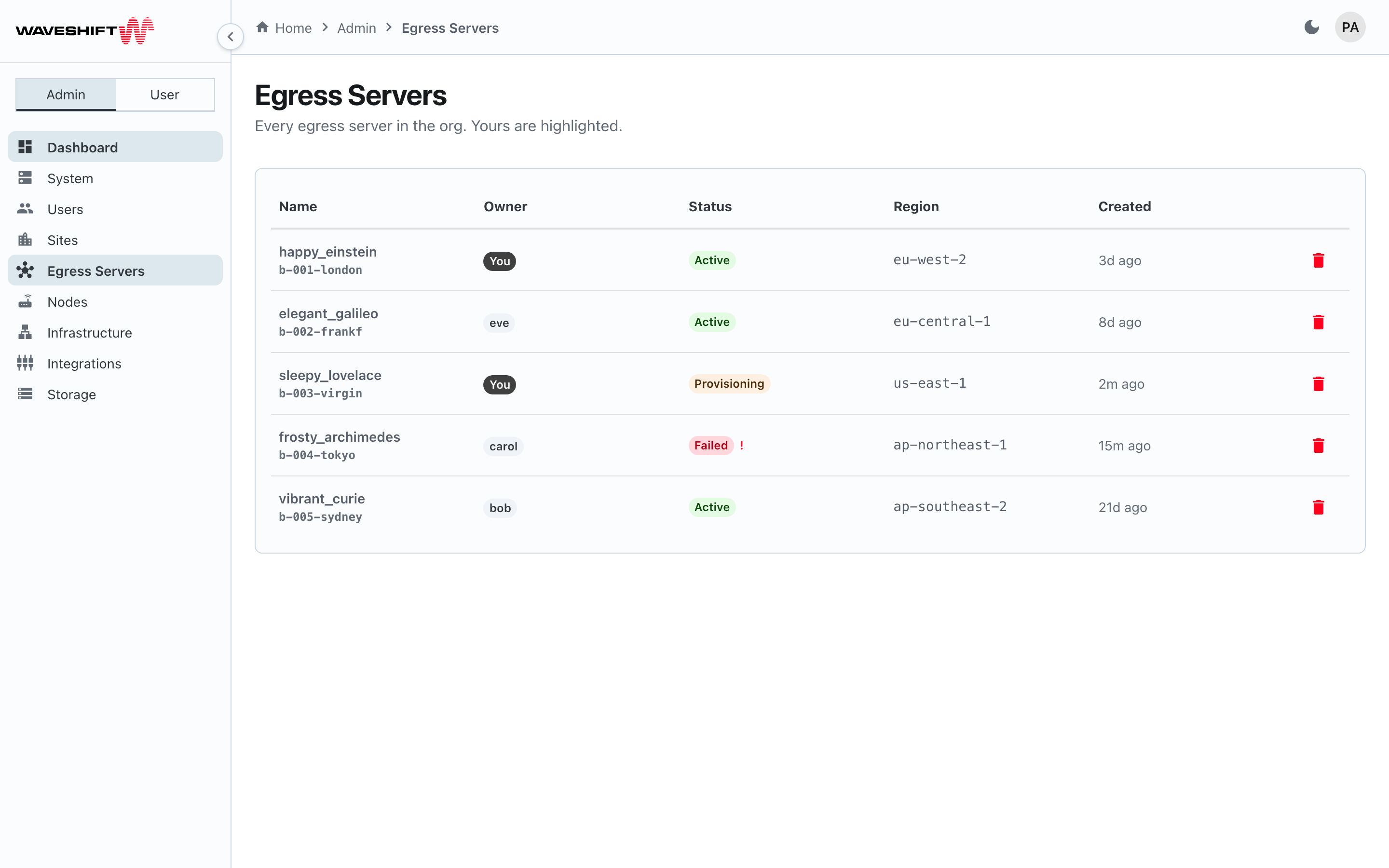
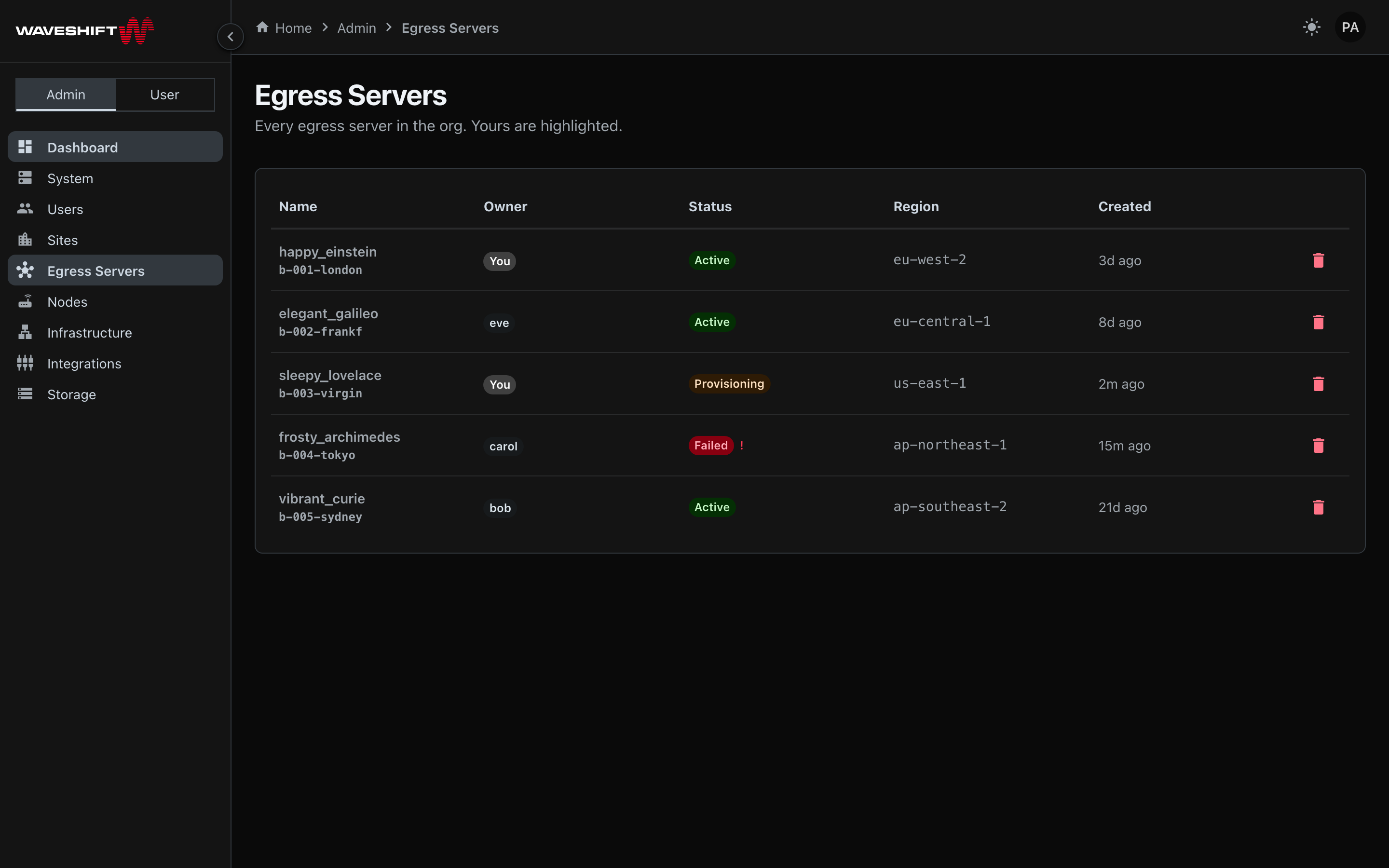
The Egress Servers admin page (/admin/pops) is the org-wide view of
every WireGuard egress server any user has provisioned. The
user-facing Egress Servers page is each
partner's personal view — even when you're an admin, that page is
scoped to the servers you own. This page is where you see the rest
of the org and intervene on any of them.
The table
A single table (not sortable), with your own servers highlighted:
- Name — display name plus the 12-character build ID below it.
- Owner — the username that created the server, rendered as a chip. Your own servers show a solid-coloured You chip; other users' servers show a soft-coloured chip with their username so you can spot ownership at a glance.
- Status — the lifecycle chip (
Pending,In progress,Complete,Failed, …). If the server has an error message, it appears as a tooltip on the chip. - Region — the AWS region the EC2 instance runs in.
- Created — relative time since the saga first ran.
- Delete egress server (red trash icon) — opens a confirm dialog, for any server in the table.
Deleting another user's server
The delete confirmation surfaces the owner's name so you can't silently destroy someone else's resources without seeing whose they were. The dialog wording reads, for example, "elegant_galileo owned by eve will be torn down. Any clients using it will lose connectivity."
After confirming, the teardown runs identically to a
user-initiated delete — the server moves to destroying, its AWS
resources are torn down, and it ends up cleaned. The row disappears from the table straight
away, but if you reload within about 30 minutes it can reappear
with a Cleaned status before dropping off for good.
No undo
Deleting an egress server tears down the EC2 instance immediately. Any clients currently connected to it lose connectivity. If the owner still needs the server, ask them first.
See also
- Egress Servers (user view) — your own personal list, plus the create flow.
- Infrastructure administration — WireGuard access servers (the per-region bridges that sit between hubs and egress servers). Different layer of the stack.